How to Buy CS2 Skins: Where and How
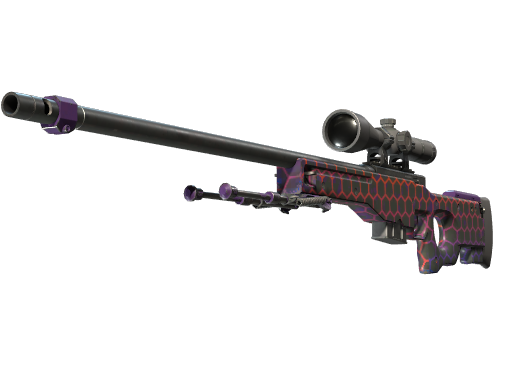
Where to buy: marketplace vs Steam Market
There are two broad routes. The official Steam Community Market keeps everything inside Valve's ecosystem, so there is no risk of an off-platform scam, but funds you earn stay as Steam Wallet credit and cannot be withdrawn to cash. Third-party marketplaces usually offer lower prices, more payment methods, and the ability to cash out, at the cost of trusting an external operator.
A simple rule: if you only want skins to use in-game and never plan to withdraw money, the Steam Market is the safest choice. If you want better prices or the option to sell for real money later, a reputable third-party marketplace is worth considering.
What to check before you buy
Evaluate any marketplace against a consistent checklist:
- Escrow and buyer protection: does the platform hold funds until the item is delivered, and what happens if a trade fails?
- Fees: compare the total price including buyer fees, not just the sticker price.
- Payment methods: card, PayPal, and crypto each carry different fees and refund rules.
- Condition and float: confirm the exact wear and, where possible, open the inspect link before paying.
- Reputation: look for independent reviews and a visible support channel.
Payment methods and fees
Card and PayPal are the most common and usually the fastest, but they may add processing fees and often require identity checks for larger amounts. Crypto can be cheaper and faster for some users but is irreversible, so only use it on platforms you already trust. Always read whether the displayed price is what you pay or whether a buyer fee is added at checkout.
Securing your account
Before you buy or trade anything, enable Steam Guard and the Steam Mobile Authenticator (2FA). This protects your account and removes trade holds faster. Never share your login, never enter your Steam password on a non-Steam domain, and double-check the URL of any site asking you to sign in.
Making your first purchase safely
Start small. Buy an inexpensive skin first to learn how a platform's checkout, delivery, and support actually work before committing a larger amount. Keep a record of each transaction, and if a deal looks far below market price, treat it as a warning sign rather than a bargain.
Frequently Asked Questions
Is the Steam Market or a third-party marketplace cheaper?
Third-party marketplaces are often cheaper and may let you cash out, but the Steam Market keeps everything inside Valve's system with no off-platform risk. Compare the total price including fees.
Can I get my money back if a trade goes wrong?
On the Steam Market, purchases are generally final. On third-party marketplaces it depends on their escrow and buyer-protection policy, so read those terms before buying.
Do I need Steam Guard to buy skins?
Yes, enable Steam Guard and the mobile authenticator. It protects your account and reduces trade hold times on legitimate trades.
Why is one skin so much more expensive than an identical-looking one?
Price depends on float (wear), pattern, StatTrak, and any stickers. Two skins of the same name can differ widely in value.
Is buying skins the same as gambling?
No. Buying a specific skin for a set price is a normal purchase. Opening cases is gambling because the result is random.